
 Available in GB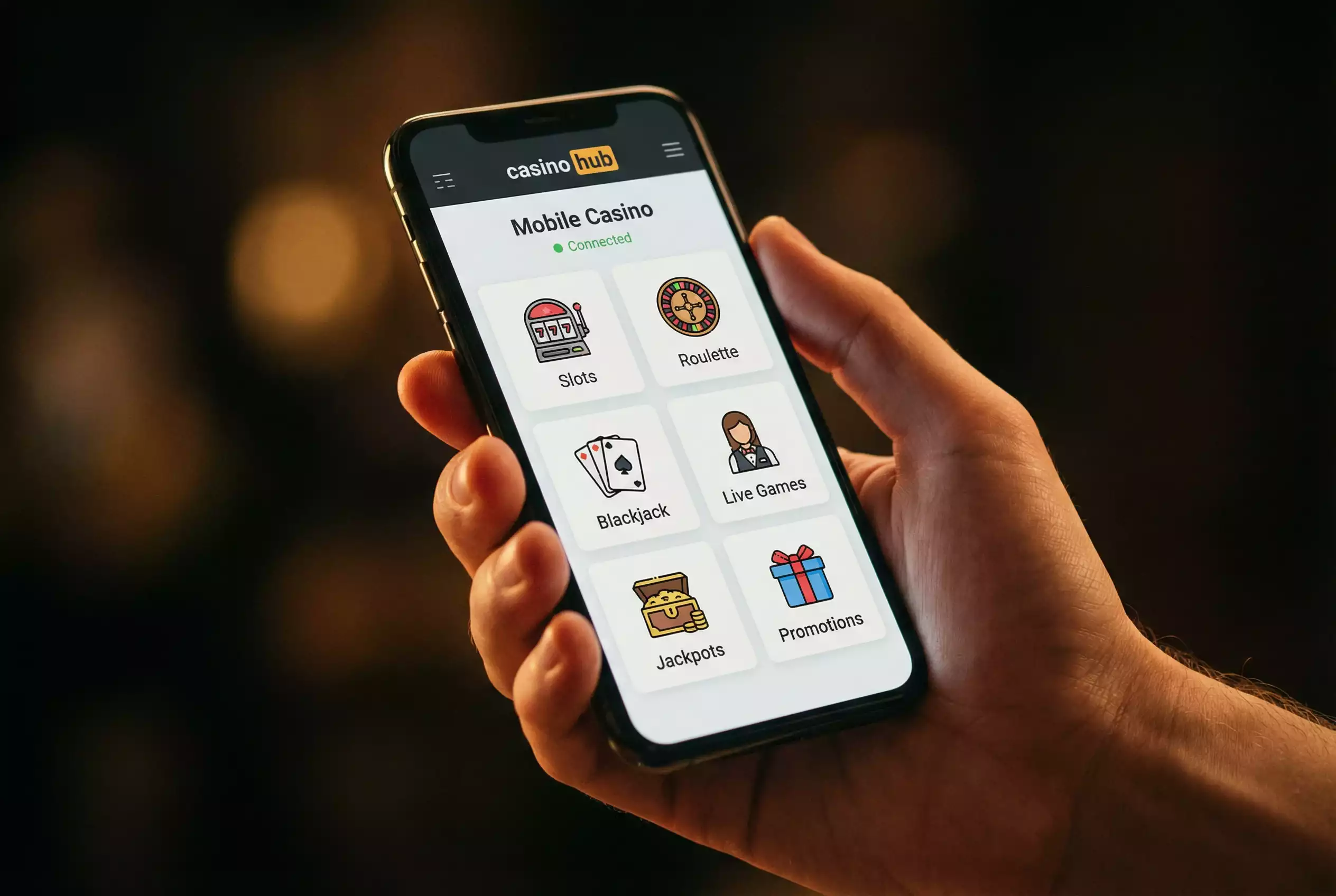
Most non-GamStop casinos are browser-based — no download, no app store gatekeeping. If you have ever tried to find a gambling app on the Apple App Store or Google Play, you know the options for offshore operators are effectively zero. Both platforms restrict gambling apps to operators with licences from approved jurisdictions, and the UKGC is at the top of that approval list. Curaçao, Anjouan, and most other offshore licences do not qualify. The result is that non-GamStop casinos cannot distribute native apps through conventional channels.
This is not the limitation it might appear to be. The mobile web has advanced to the point where browser-based casino play is functionally equivalent to a native app for most users. Progressive Web Apps, responsive design, and HTML5-powered game engines have eliminated most of the performance gap that once separated mobile browsers from dedicated applications. For UK players using non-GamStop casinos on their phones, the experience is a URL and a bookmark — not an app store search.
This guide covers how offshore casinos deliver mobile play, what the user experience looks like in practice, the state of mobile payment options, and a consideration that the convenience of mobile gambling makes easy to overlook.
PWA vs Native App: How Offshore Casinos Deliver Mobile Play
PWAs bypass Apple and Google’s restrictions on gambling apps. A Progressive Web App is a website that behaves like a native application when accessed through a mobile browser. It can be added to your home screen, it opens without the browser’s address bar and navigation controls, it can send push notifications, and it can cache data for faster loading on repeat visits. From a user’s perspective, a well-built PWA is nearly indistinguishable from a native app in daily use.
Most established non-GamStop casinos now offer PWA functionality. The process is straightforward: visit the casino in your mobile browser, and either the site will prompt you to “Add to Home Screen” or you can do so manually through your browser’s share menu. Once added, the casino appears as an icon on your home screen alongside your other apps. Tapping it opens the casino in a standalone window without browser chrome, creating an app-like experience.
The technical advantages of PWAs for offshore casinos are significant. They avoid the app store approval process entirely — no submission, no review, no risk of removal. Updates happen server-side, so the user always accesses the latest version without downloading updates. Storage requirements are minimal compared to native apps, which can consume hundreds of megabytes. The disadvantage is that PWAs have slightly less access to device hardware — though for casino play, the relevant hardware capabilities (touchscreen, audio, screen orientation) are fully supported by modern mobile browsers.
A small number of non-GamStop casinos do offer native Android apps distributed as APK files, downloadable directly from the casino’s website rather than from the Play Store. Installing an APK requires enabling “unknown sources” in your Android device settings, which is a security consideration: you are trusting the casino’s file distribution rather than Google’s malware screening. For reputable operators, this is generally safe. For unfamiliar brands, downloading and installing an APK introduces a risk vector that browser-based play does not.
For iPhone users, PWA is the only option. Apple does not permit sideloading of apps outside the App Store on standard iOS devices, which means native casino apps from offshore operators are not available on iPhones. The PWA experience on Safari is robust enough that this limitation is rarely a practical problem, but it does mean that iOS users are entirely dependent on browser performance for their mobile casino experience.
Mobile UX: What to Expect From Non-GamStop Sites
Responsive design is standard — but quality varies from polished to barely functional. The baseline expectation for any modern online casino is that its website adapts to the screen size of the device accessing it. Responsive design rearranges the layout, resizes elements, and restructures navigation to fit mobile screens. Every serious non-GamStop casino uses responsive design. The question is how well it is implemented.
The best offshore mobile experiences rival dedicated app-based casinos. Lobbies are clean, game categories are accessible within one or two taps, account management functions (deposit, withdrawal, bonus status, KYC uploads) are fully functional on mobile, and the transition between the casino lobby and individual games is seamless. Game loading times on a strong connection are typically two to five seconds, and the HTML5 game engines used by major providers are optimised for touchscreen interaction — bet controls, spin buttons, and menu navigation are all designed for finger input rather than mouse clicks.
The worst mobile experiences are characterised by slow loading times, unresponsive menus, game lobbies that require excessive scrolling, and account functions that redirect to desktop-formatted pages. Some white-label casinos use templates that were designed for desktop first and adapted for mobile as an afterthought, resulting in text too small to read, buttons too close together to tap accurately, and page layouts that break at certain screen sizes. These issues are more common among newer or less established operators and are a useful signal of overall platform quality.
Live dealer games on mobile deserve specific mention. The video stream scales to the mobile screen, and betting interfaces are redesigned for touch input. The experience is functional on phones but more comfortable on tablets, where the larger screen provides better visibility of the table, cards, and betting options. Battery drain during live dealer sessions is considerable — expect 30 to 60 minutes of play to consume 15% to 25% of a typical smartphone battery, depending on screen brightness and connection type.
Mobile Payment Options and Biometric Verification
Apple Pay and Google Pay support is growing but inconsistent at offshore sites. The mobile payment landscape at non-GamStop casinos reflects the broader payment challenges that offshore operators face: mainstream payment methods designed for licensed merchants do not always extend to unlicensed gambling platforms.
Apple Pay and Google Pay function through the device’s NFC and tokenisation infrastructure, but the actual transaction is processed by the casino’s payment provider. If that provider supports Apple Pay or Google Pay, the option appears at checkout. If it does not, the player defaults to manual card entry, e-wallet transfer, or cryptocurrency. Support for mobile wallet payments is increasing among offshore operators but remains inconsistent — you may find Apple Pay available at one non-GamStop casino and absent at the next.
E-wallet apps — Skrill, Neteller, Payz — work natively on mobile. Depositing through your e-wallet on a phone involves opening the casino’s cashier, selecting the e-wallet option, and authenticating through the e-wallet’s own app or mobile website. The process is typically faster than on desktop because mobile e-wallet apps support biometric authentication — fingerprint or face recognition — eliminating the need to type passwords.
Cryptocurrency deposits on mobile follow the same process as on desktop: copy the casino’s wallet address, open your crypto wallet app, paste the address, confirm the amount and network, and send. Mobile crypto wallets like Trust Wallet and MetaMask are designed for this workflow, and the QR code scanning functionality available at most casinos simplifies the address transfer step. For regular mobile crypto users, this is the fastest deposit method available.
The Screen Is Smaller — Your Attention Should Be Sharper
Mobile play is convenient — but convenience makes it easier to lose track. This is not a technical observation. It is a behavioural one, and it matters more than most mobile casino guides acknowledge.
Desktop gambling typically happens in a defined context: you sit down at a computer, open the casino, and play within a session that has a natural beginning and end. Mobile gambling happens everywhere — on the commute, during a lunch break, in bed before sleep, in the queue at the supermarket. The contextual boundaries that desktop play provides are absent on mobile, which means the player must supply their own.
The small screen also compresses information. Your balance is displayed in a smaller font. Session duration is less visible. The net position — how much you have won or lost — may require navigating to a separate screen to check. At a desktop, this information is typically visible at a glance. On mobile, checking it requires a deliberate action, and deliberate actions are easy to skip when you are in the middle of a session.
If you play at non-GamStop casinos on mobile, set your deposit limits before you start. Use the session timer if the casino offers one, or set a phone alarm independently. Check your net position at regular intervals rather than playing until your balance hits zero. The convenience of mobile play is a genuine advantage. The discipline it requires to use that convenience responsibly is the cost that comes with it.